

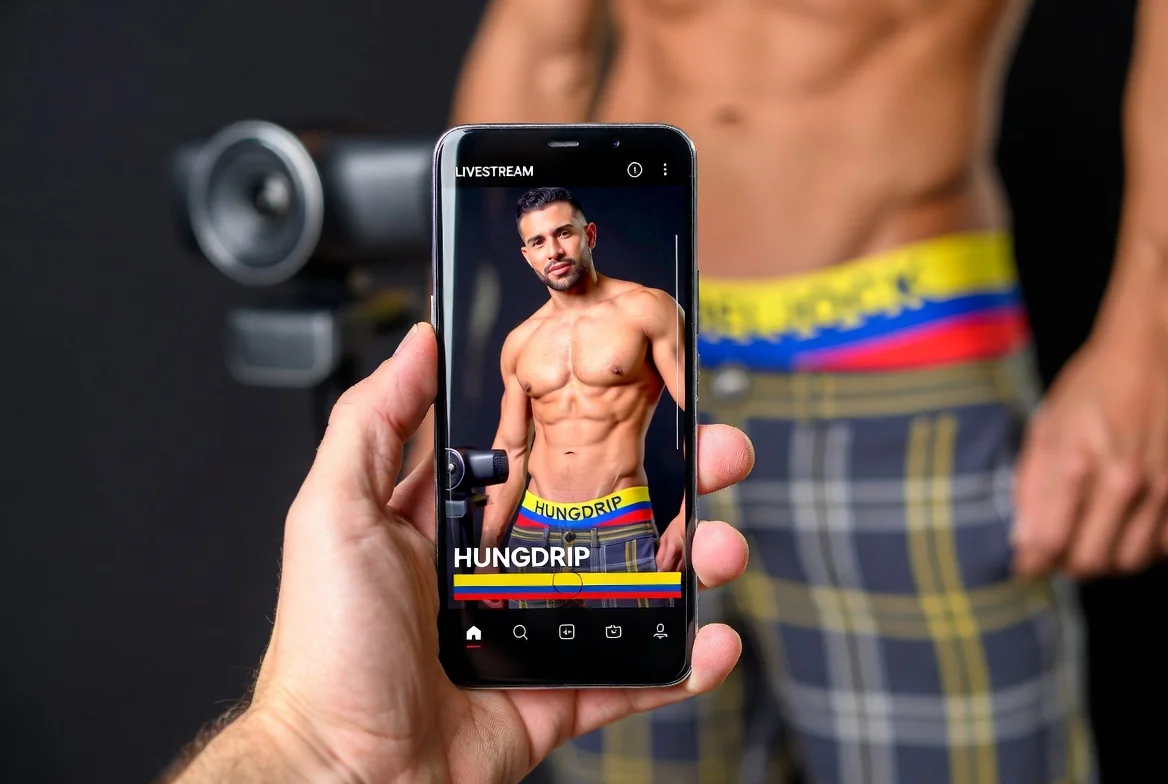
Mobile viewing is convenient, but shared phones, notification previews and cellular data create privacy considerations.
Browser and device controls
Use a private profile, disable lock-screen previews for sensitive notifications and sign out of accounts when another person uses the device.
Data and battery
Live video can consume substantial mobile data and battery. Use trusted Wi-Fi, avoid unknown public hotspots for payments and close unused streams.
External links
A Watch Live button may open the external cam networks or an embedded player. Check the address bar before entering account or payment information.